
How to obtain the App ID for the Open Exchange Rates source
Try it freeSign up on the Open Exchange Rates site.
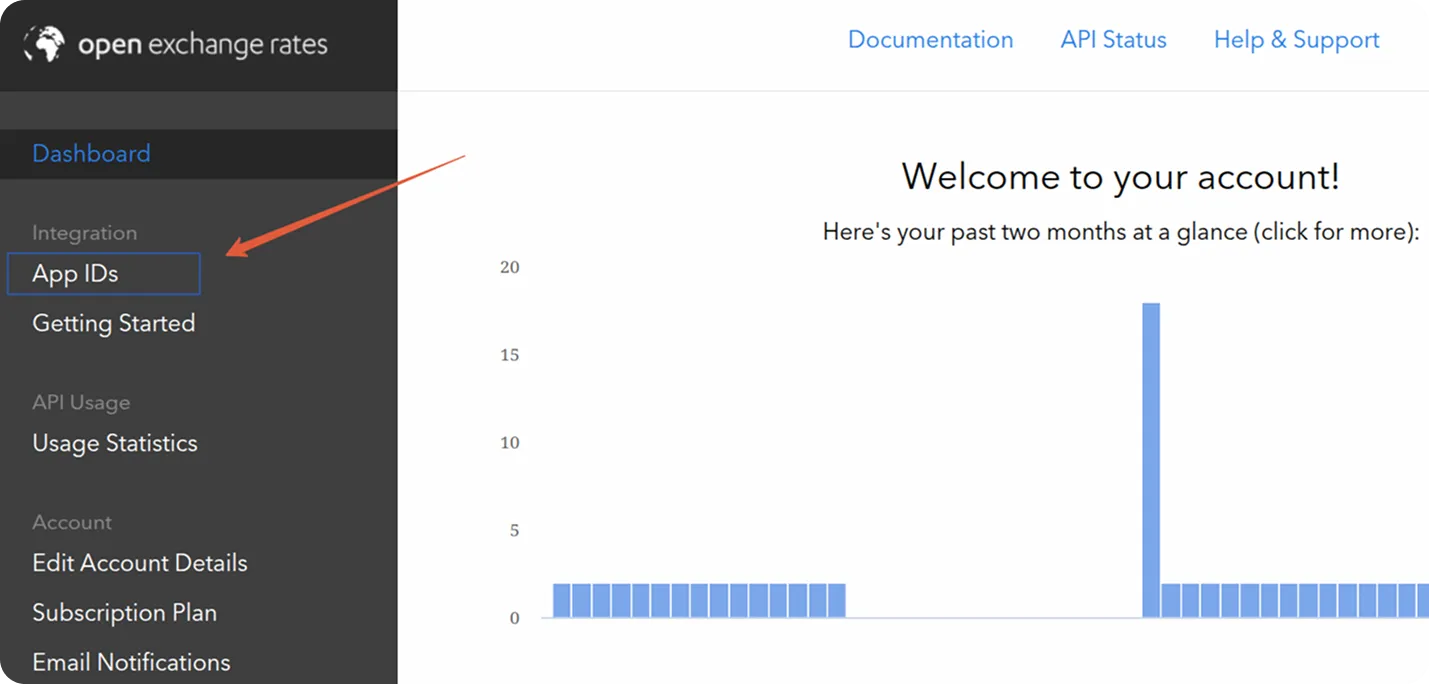
Navigate to the Integration -> App IDs section.
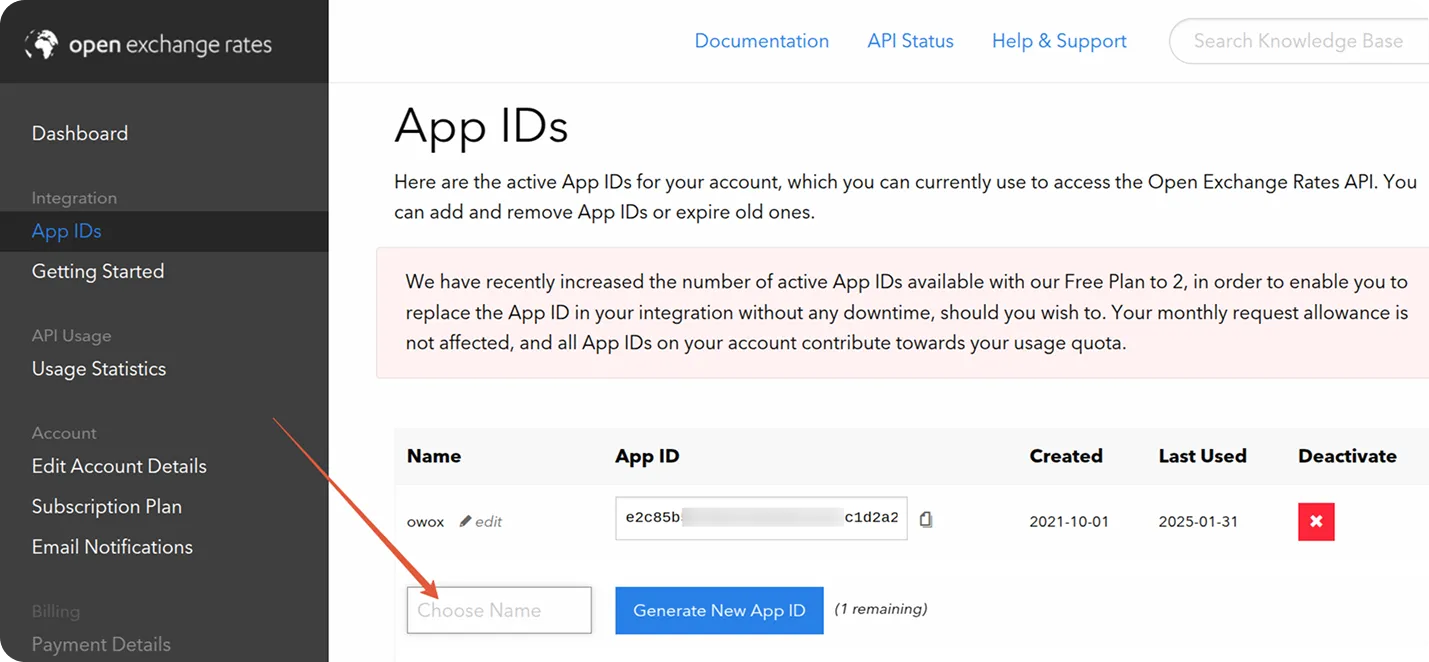
Enter a name for your app, then click “Generate New App ID”.
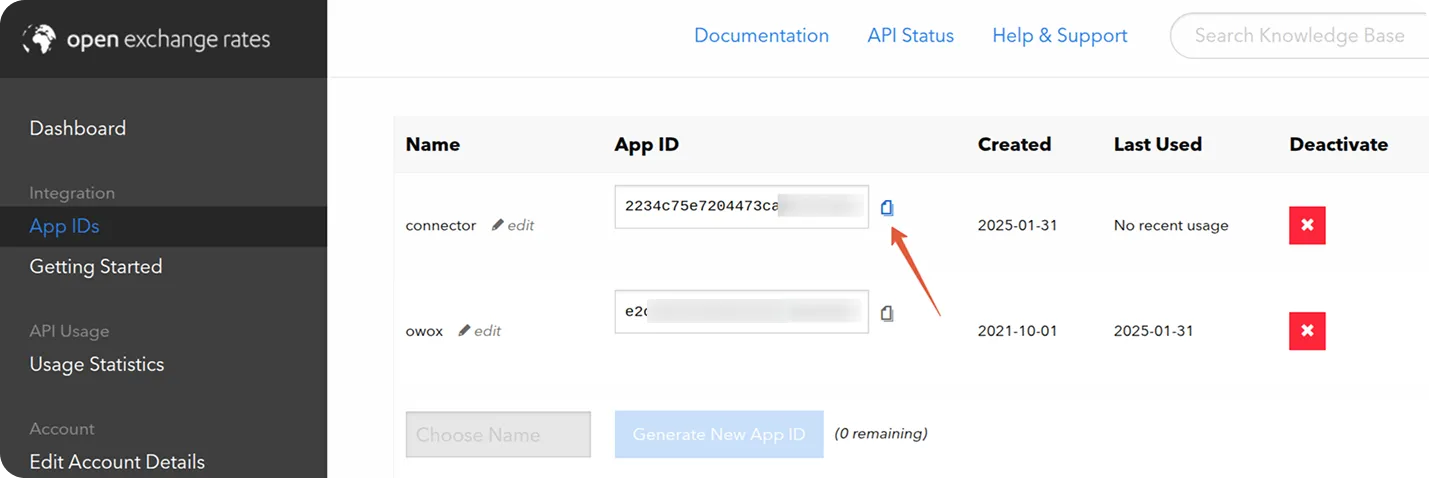
Copy the provided App ID.
✅ You’re Ready to Go
Section titled “✅ You’re Ready to Go”Save the App ID in a Credential (on the Credentials page, or with + Create new Credential beside the Credential field of the Data Mart’s connector configuration), then continue as described in the Getting Started guide.
Troubleshooting and Support
Section titled “Troubleshooting and Support”If you encounter any issues:
- Please visit Q&A first
- If you want to report a bug, please open an issue
- Join the discussion forum to ask questions or propose improvements